The Microsoft Interview Process, Stage by Stage
By Aaron Cao · Updated
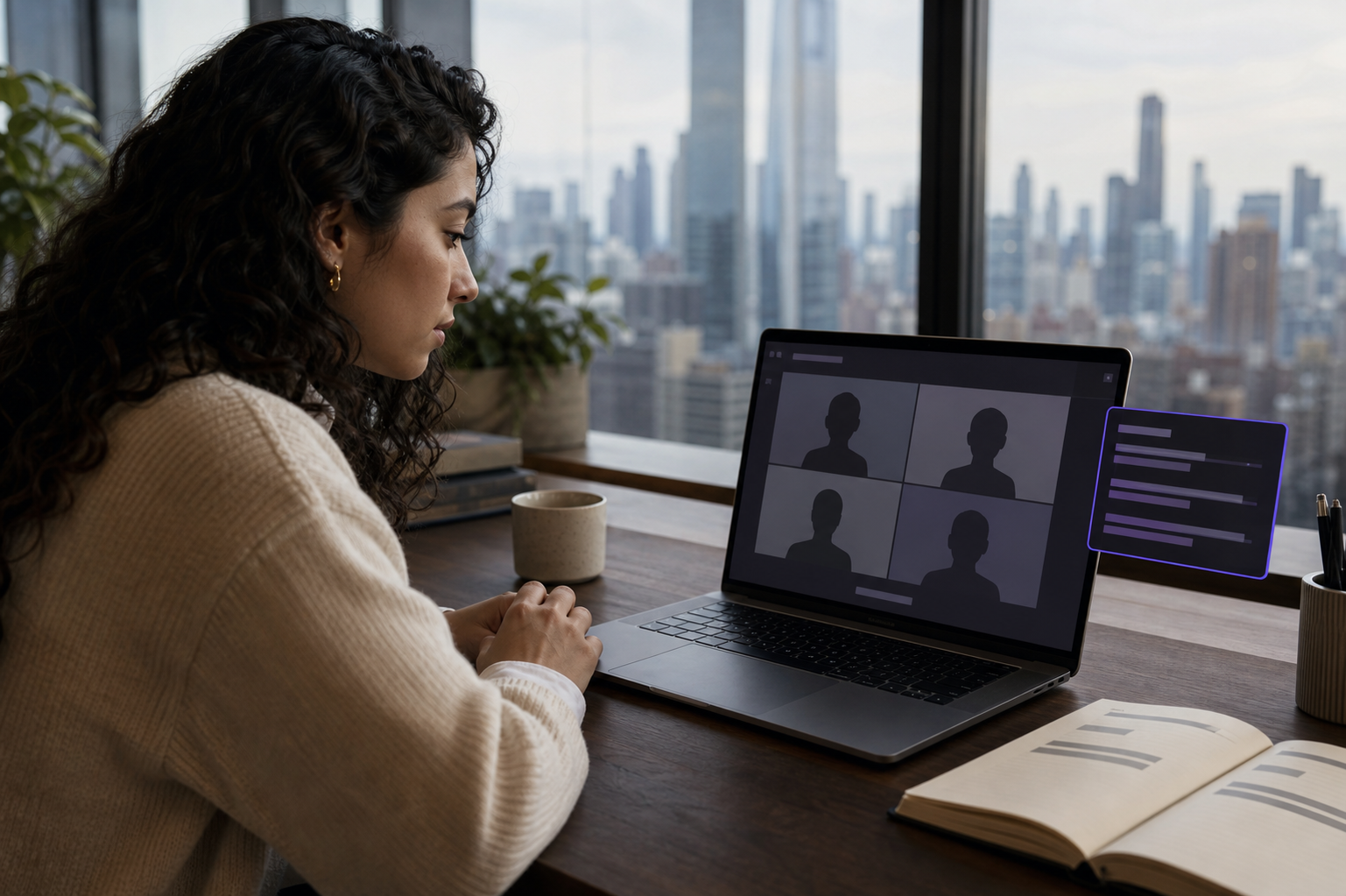
Microsoft's process typically runs: recruiter screen, one technical or role screen, then a virtual loop of four to five interviews held on Microsoft Teams. Rounds mix coding, design, and behavioral questions shaped by Microsoft's growth-mindset culture, and a senior interviewer often closes the loop with hiring authority.
What are the stages at Microsoft?
Microsoft's process is standardized enough to prepare for while varying more by team than Amazon's. The common shape: a recruiter conversation about background and interest, one screening interview that is technical for engineering roles, and then the loop, four to five interviews commonly scheduled in one virtual day on Microsoft Teams. Some engineering pipelines add an online coding assessment before the screen.
Timelines run from two to six weeks in most reports, with team-by-team variance. Microsoft's careers site describes the process in general terms and your recruiter fills in the specifics for your role family; when the two differ, the recruiter's version of your loop is the one that happens.
How Microsoft's structure compares with Amazon, Meta, Apple, and Google is collected on the company interview processes hub.
What actually happens inside the loop?
The loop day is the part candidates fear, and it is also the most predictable part; knowing its rhythm defuses most of the anxiety. Expect four to five back-to-back sessions on Microsoft Teams with short breaks: coding rounds in a shared editor with narrated problem solving, a design round for mid and senior levels, and behavioral segments woven through every conversation rather than isolated in one.
Microsoft's behavioral lens is its growth-mindset culture: interviewers probe how you learn, take feedback, and treat failure as information. A story about a project that went sideways and what you changed afterward often lands better than a flawless-success story. Many loops end with a senior interviewer, sometimes called as-appropriate, who integrates the day's signals and carries real hiring weight.
Rehearsing that mix out loud matters more than reading about it; the mock interview tool runs growth-mindset style behaviorals and timed coding questions against your own background.
How should you prepare for the Teams format?
Because the loop lives on Microsoft Teams, treat platform familiarity as part of preparation: join the meeting link early, confirm your headset in Teams' device settings, and know where mute and share controls live. Standard interview hygiene applies: quiet room, notifications silenced, water within reach for a multi-hour day.
A platform engineer moving from a startup is a typical case. Her loop ran five rounds in one afternoon; the coding editors were shared links, so her screen was never requested, and every behavioral thread came back to how she had handled a migration that failed mid-quarter. She kept her prepared stories and the live transcript at glance distance on her own machine throughout, and the day held zero format surprises.
For candidates using SubcueAI on Teams, the desktop app captures system audio locally, so real-time transcription works on Teams exactly as on Zoom or Google Meet; setup is on the tutorial page.
What are the honest limits at Microsoft?
The boundaries mirror every serious employer. If a pipeline includes an online assessment with monitoring, that stage is out of scope for assist tools. If an interviewer asks you to share your screen for a coding or design exercise, everything on that display is visible for the duration. Recorded sessions, where they occur, come with notice and the same out-of-scope status.
Inside a live, unproctored Teams conversation, an assistant steadies recall and structure, but Microsoft's interviewers are probing how you think and grow; substance rehearsed in advance is what converts a loop into an offer.