क्या AI इंटरव्यू असिस्टेंट्स मीटिंग पार्टिसिपेंट लिस्ट में दिखते हैं?
द्वारा Aaron Cao · अपडेट
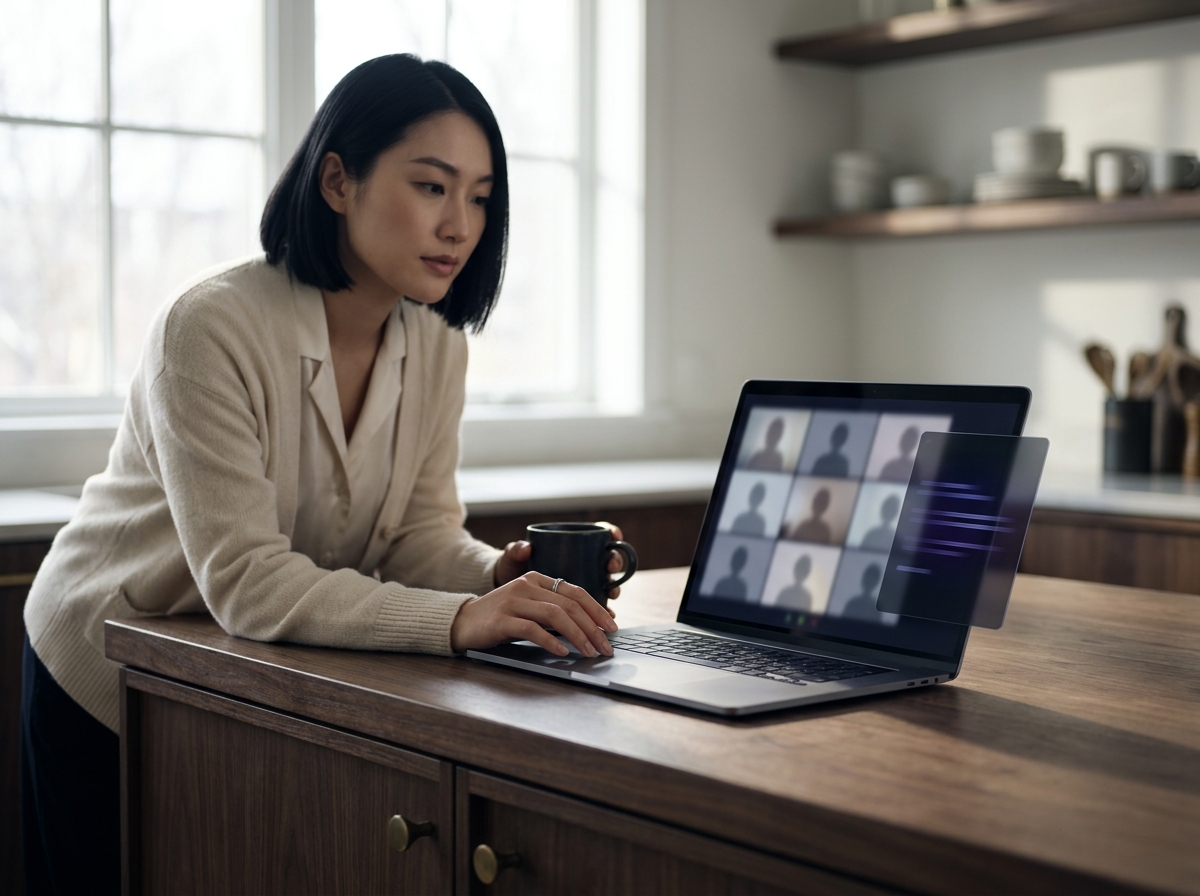
यह आर्किटेक्चर पर निर्भर करता है। बॉट-आधारित असिस्टेंट्स Zoom, Google Meet, या Microsoft Teams में एक दृश्यमान पार्टिसिपेंट के रूप में शामिल होते हैं। लोकल डेस्कटॉप असिस्टेंट्स जैसे SubcueAI आपकी अपनी मशीन पर चलते हैं, ऑडियो लोकली कैप्चर करते हैं, और कभी भी पार्टिसिपेंट लिस्ट में दिखाई नहीं देते।
दो आर्किटेक्चर्स, और क्यों केवल एक दिखाई देता है
आपको चिंता है कि कोई AI असिस्टेंट चुपचाप पार्टिसिपेंट लिस्ट में दिखाई देगा और इंटरव्यूअर को सचेत कर देगा। यह एक उचित चिंता है, और इसका उत्तर एक आर्किटेक्चरल विकल्प पर निर्भर करता है: क्या टूल मीटिंग में शामिल होता है, या यह आपके कंप्यूटर पर रहता है?
- बॉट-आधारित असिस्टेंट्स मीटिंग प्लेटफ़ॉर्म के API (या हेडलेस ब्राउज़र) का उपयोग करके Zoom, Google Meet, या Microsoft Teams में एक अटेंडी के रूप में शामिल होते हैं। उन्हें शामिल होना पड़ता है क्योंकि इसी तरह वे ऑडियो प्राप्त करते हैं। इसका नुकसान यह है कि वे विक्रेता द्वारा चुने गए नाम के तहत पार्टिसिपेंट लिस्ट में दिखाई देते हैं — अक्सर "Notetaker" या उत्पाद के नाम जैसा कुछ।
- लोकल डेस्कटॉप असिस्टेंट्स आपके लैपटॉप पर एक नेटिव ऐप के रूप में चलते हैं। वे सीधे आपके ऑपरेटिंग सिस्टम के ऑडियो आउटपुट और आपके माइक्रोफ़ोन इनपुट से मीटिंग ऑडियो कैप्चर करते हैं, फिर लोकली या क्लाउड में ट्रांसक्राइब करते हैं। चूँकि कुछ भी कॉल में शामिल नहीं होता, इसलिए दिखाने के लिए कोई अतिरिक्त पार्टिसिपेंट नहीं होता।
SubcueAI दूसरे मॉडल पर बना है। यह एक नेटिव macOS और Windows ऐप है जिसमें ड्यूल ऑडियो कैप्चर और एक लोकल ओवरले विंडो है — आमंत्रित करने या छिपाने के लिए कोई मीटिंग बॉट नहीं है। आर्किटेक्चरल तर्क How It Works पेज पर है (/answers/topic/how-it-works)।
वास्तविक इंटरव्यू से पहले कैसे जाँचें
यदि आप किसी भी AI इंटरव्यू टूल का मूल्यांकन कर रहे हैं, तो उसी प्लेटफ़ॉर्म पर एक दोस्त के साथ एक ड्राई रन करें जिसका उपयोग आप वास्तविक इंटरव्यू के लिए करेंगे। विशेष रूप से:
- पार्टिसिपेंट लिस्ट खोलें (Zoom में, Participants पैनल; Google Meet में, People टैब; Microsoft Teams में, Show participants पैनल)।
- असिस्टेंट को उसी तरह शुरू करें जैसे आप वास्तविक इंटरव्यू में करेंगे।
- पार्टिसिपेंट्स गिनें। यदि संख्या बढ़ती है, या कोई नया नाम दिखाई देता है, तो वह टूल बॉट-आधारित है और आपके इंटरव्यूअर को दिखाई देगा।
एक सार्वजनिक क्लाउड विक्रेता पर L5 ऑनसाइट की तैयारी कर रहे एक बैकएंड इंजीनियर ने तीन अलग-अलग उत्पादों के साथ ठीक यही किया, उस उत्पाद पर पहुँचने से पहले जिसने पार्टिसिपेंट संख्या नहीं बदली। इस तरह का पाँच मिनट का परीक्षण किसी भी मार्केटिंग दावे से अधिक मूल्यवान है। आप Tutorial पेज पर SubcueAI के अपने सेटअप को देख सकते हैं (/tutorial)।
जहाँ "पार्टिसिपेंट लिस्ट में नहीं" होना पर्याप्त नहीं रह जाता
पार्टिसिपेंट लिस्ट से बाहर रहना आवश्यक है लेकिन पर्याप्त नहीं। ऐसी स्थितियाँ हैं जहाँ कोई भी लोकल ओवरले टूल — SubcueAI सहित — फिर भी उजागर हो सकता है:
- अपने पूरे डेस्कटॉप को स्क्रीन शेयर करना ओवरले विंडो दिखा सकता है। एक एकल एप्लिकेशन विंडो शेयर करना अधिक सुरक्षित है।
- लोकल या क्लाउड रिकॉर्डिंग शेयर के दौरान स्क्रीन पर जो कुछ भी होता है उसे कैप्चर करती हैं।
- प्रॉक्टर्ड परीक्षाएँ (HackerRank proctoring, CoderPad Screen, Proctorio, और इसी तरह की) सक्रिय रूप से चल रही प्रक्रियाओं और स्क्रीन सामग्री को स्कैन करती हैं। ये दायरे से बाहर हैं।
- कंपनी द्वारा प्रबंधित लैपटॉप जिनमें MDM, EDR, या DLP एजेंट होते हैं, इंस्टॉलेशन को सीधे ब्लॉक कर सकते हैं या गतिविधि लॉग कर सकते हैं। अपना व्यक्तिगत डिवाइस उपयोग करें।
इन सीमाओं के अधिक पूर्ण विवरण के लिए, detectability विषय पेज देखें (/answers/topic/detectability) और Security पेज (/security)।
SubcueAI ने नो-बॉट मार्ग क्यों चुना
SubcueAI के संस्थापक Aaron Cao ने उत्पाद को एक ही बाधा के इर्द-गिर्द डिज़ाइन किया: इंटरव्यूअर को ठीक वही मीटिंग दिखनी चाहिए जो उन्हें तब दिखती जब आप कुछ भी उपयोग नहीं कर रहे होते। इसने मीटिंग बॉट्स, मीटिंग पेज में इंजेक्ट करने वाले ब्राउज़र एक्सटेंशन, और ऐसी किसी भी चीज़ को बाहर कर दिया जिसके लिए इंटरव्यूअर के प्लेटफ़ॉर्म को दूसरे क्लाइंट को स्वीकार करने की आवश्यकता हो। जो बचा वह एक नेटिव डेस्कटॉप ऐप था जो आपके हेडफ़ोन की तरह ही ऑडियो सुनता है।