هل تظهر مساعدات مقابلات الذكاء الاصطناعي في قوائم المشاركين في الاجتماع؟
بقلم Aaron Cao · آخر تحديث
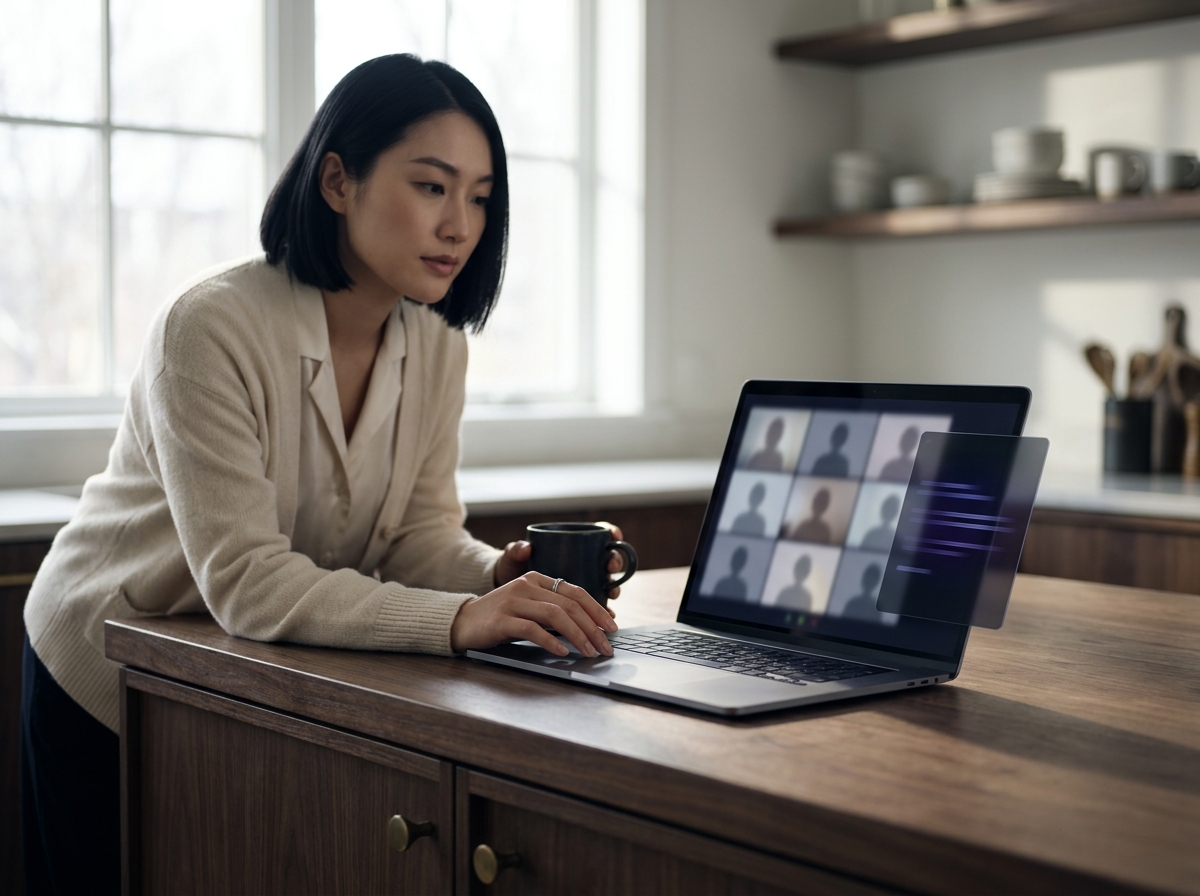
يعتمد ذلك على البنية. تنضم المساعدات المعتمدة على البوت كمشارك مرئي في Zoom أو Google Meet أو Microsoft Teams. أما مساعدات سطح المكتب المحلية مثل SubcueAI فتعمل على جهازك الخاص، وتلتقط الصوت محلياً، ولا تظهر أبداً في قائمة المشاركين.
المعماريتان، ولماذا تظهر واحدة فقط
أنت قلق من أن يظهر مساعد ذكاء اصطناعي بهدوء في قائمة المشاركين وينبّه المُحاوِر. هذا قلق مشروع، والإجابة تتلخص في خيار معماري واحد: هل تنضم الأداة إلى الاجتماع، أم أنها تبقى على جهاز الكمبيوتر الخاص بك؟
- المساعدات المعتمدة على البوت تستخدم واجهة برمجة تطبيقات منصة الاجتماع (أو متصفحاً بلا واجهة) للانضمام إلى Zoom أو Google Meet أو Microsoft Teams كحاضر. عليها أن تنضم لأن هذه هي الطريقة التي تحصل بها على الصوت. والمقابل هو أنها تظهر في قائمة المشاركين تحت أي اسم اختاره المورّد — غالباً شيء مثل "Notetaker" أو اسم المنتج.
- مساعدات سطح المكتب المحلية تعمل كتطبيق أصلي على الكمبيوتر المحمول الخاص بك. تلتقط صوت الاجتماع مباشرةً من مخرج الصوت في نظام التشغيل ومن مدخل الميكروفون، ثم تنسخه محلياً أو في السحابة. ولأن لا شيء ينضم إلى المكالمة، فلا يوجد مشارك إضافي ليظهر.
SubcueAI مبني على النموذج الثاني. إنه تطبيق أصلي على macOS و Windows مع التقاط صوتي مزدوج ونافذة متراكبة محلية — لا يوجد بوت اجتماع لدعوته أو إخفائه. المنطق المعماري موجود في صفحة How It Works (/answers/topic/how-it-works).
كيفية التحقق قبل مقابلة حقيقية
إذا كنت تقيّم أي أداة مقابلات بالذكاء الاصطناعي، فقم بتجربة تشغيل مع صديق على المنصة نفسها التي ستستخدمها في المقابلة الحقيقية. وبالتحديد:
- افتح قائمة المشاركين (في Zoom، لوحة Participants؛ في Google Meet، علامة التبويب People؛ في Microsoft Teams، لوحة Show participants).
- شغّل المساعد بالطريقة التي ستفعلها في مقابلة حقيقية.
- عُدّ المشاركين. إذا ارتفع العدد، أو ظهر اسم جديد، فإن تلك الأداة معتمدة على البوت وستكون مرئية للمُحاوِر.
قام مهندس خلفية يستعد لمقابلة حضورية من المستوى L5 لدى مزوّد سحابة عام بفعل هذا بالضبط مع ثلاثة منتجات مختلفة قبل أن يستقر على المنتج الذي لم يغيّر عدد المشاركين. هذا النوع من الاختبار الذي يستغرق خمس دقائق يساوي أكثر من أي ادعاء تسويقي. يمكنك الاطلاع على إعداد SubcueAI الخاص في صفحة Tutorial (/tutorial).
متى يتوقف "عدم الظهور في قائمة المشاركين" عن كونه كافياً
البقاء خارج قائمة المشاركين ضروري لكنه غير كافٍ. هناك مواقف يمكن فيها لأي أداة متراكبة محلية — بما في ذلك SubcueAI — أن تنكشف:
- مشاركة شاشة سطح المكتب بالكامل قد تُظهر النافذة المتراكبة. مشاركة نافذة تطبيق واحدة أكثر أماناً.
- التسجيلات المحلية أو السحابية تلتقط كل ما يظهر على الشاشة أثناء المشاركة.
- الاختبارات الخاضعة للمراقبة (HackerRank proctoring و CoderPad Screen و Proctorio وما شابهها) تفحص بنشاط العمليات قيد التشغيل ومحتويات الشاشة. هذه خارج النطاق.
- أجهزة الكمبيوتر المحمولة المُدارة من الشركة المزودة بوكلاء MDM أو EDR أو DLP قد تمنع التثبيت تماماً أو تسجّل النشاط. استخدم جهازك الشخصي.
للحصول على معالجة أوفى لهذه الحدود، راجع صفحة موضوع detectability (/answers/topic/detectability) وصفحة Security (/security).
لماذا اختارت SubcueAI مسار عدم استخدام البوت
صمّم Aaron Cao، مؤسس SubcueAI، المنتج حول قيد واحد: يجب أن يرى المُحاوِر الاجتماع نفسه تماماً كما سيراه لو لم تكن تستخدم أي شيء على الإطلاق. وقد استبعد ذلك بوتات الاجتماع، وإضافات المتصفح التي تُحقن في صفحة الاجتماع، وأي شيء يتطلب أن تُقرّ منصة المُحاوِر بوجود عميل ثانٍ. وما تبقى كان تطبيق سطح مكتب أصلياً يستمع إلى الصوت بالطريقة نفسها التي تستمع بها سماعاتك.