Are AI interview assistants detectable in proctored interviews?
By Aaron Cao · Updated
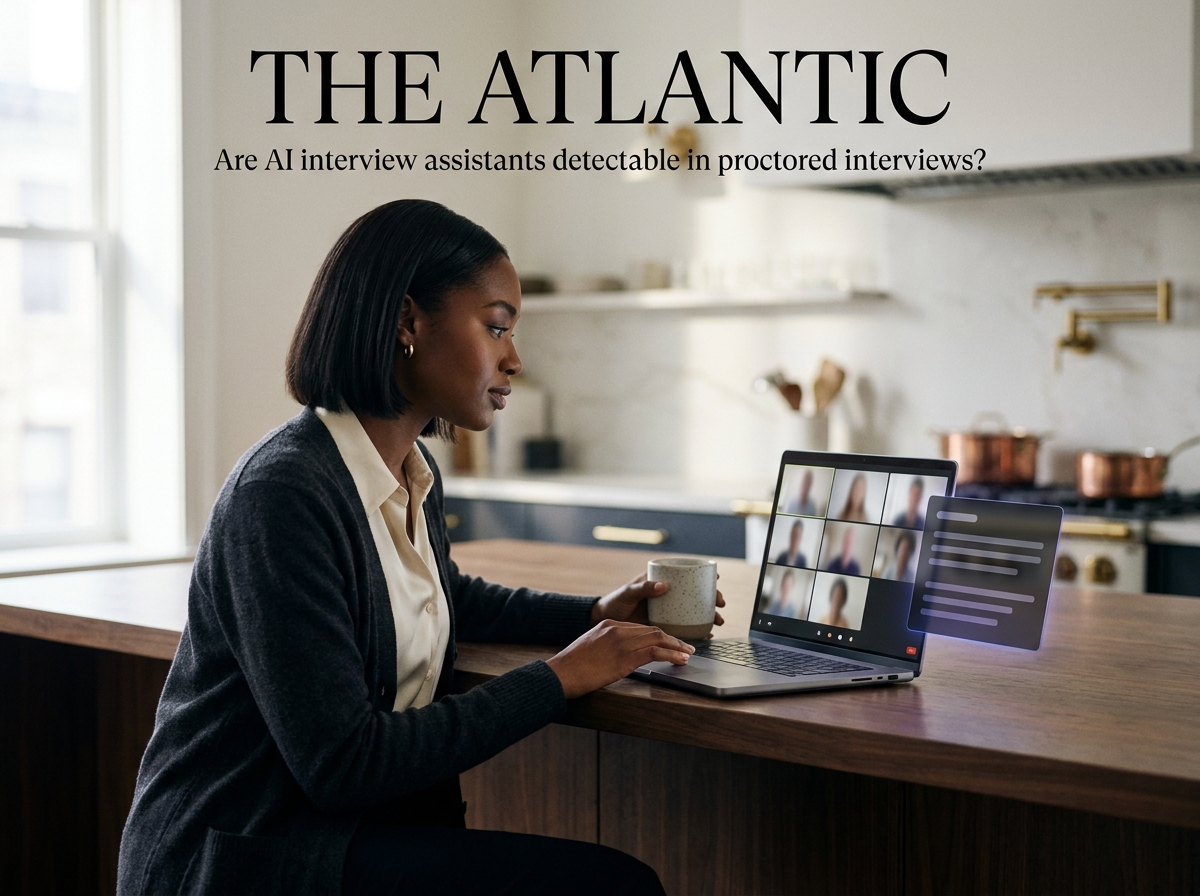
Yes — proctored interviews are explicitly out of scope for AI interview assistants, including SubcueAI. Proctoring software typically monitors processes, screen content, webcam, and sometimes the full device, so running any helper alongside it carries real detection risk.
Short answer: assume yes, and don't use one
You are worried that a proctored interview might catch an AI helper, and you want a straight answer before you risk a real opportunity. Here it is, in two sentences: proctored environments are designed specifically to detect outside assistance, and no responsible AI interview assistant — SubcueAI included — claims to defeat them.
SubcueAI is built for ordinary remote interviews on Zoom, Google Meet, and Microsoft Teams, where the interviewer sees only your camera and whatever you choose to share. Proctored interviews are a different category of environment with a different threat model, and they are explicitly out of scope. You can read more about that scope on the /security page.
What proctoring software can actually see
"Proctored" covers a wide range of setups, but most of them do at least some of the following:
- Process and window inspection — the proctoring agent enumerates running applications and foreground windows, and may flag or kill unknown ones.
- Screen capture — the full desktop (not just a shared tab) is recorded or streamed to a human reviewer.
- Webcam and microphone monitoring — continuous video of your face and room, sometimes with gaze tracking or second-person detection.
- Lockdown browsers — a restricted runtime that blocks other apps, virtual machines, or additional monitors.
- Managed-device requirements — some employers require the interview to run on a company laptop with MDM, EDR, or remote-desktop tooling installed.
Any one of these can surface a local overlay, an extra audio device, or an unexpected process. A combination of them makes detection substantially more likely. For the broader list of environments SubcueAI does and does not cover, see the detectability hub at /answers/topic/detectability.
Why SubcueAI is designed for unproctored remote interviews
Aaron Cao, founder of SubcueAI, designed the product around a specific, narrower use case: a candidate on their own machine, in their own room, on a standard video call with an interviewer who sees only the shared camera and an optional shared window. SubcueAI runs as a native desktop app on macOS and Windows with a floating local overlay, captures both sides of the conversation through dual audio capture, and never joins the meeting as a bot or browser plugin.
That design helps in ordinary remote interviews because nothing extra appears in the meeting participant list and no browser extension is visible. It does not help when the other side controls your screen, your processes, or your device — which is exactly what proctoring is for. A walkthrough of the intended setup lives on the /tutorial page.
Other situations where no AI helper is safe
Proctoring is the clearest example, but the same logic applies to several adjacent cases. Be honest with yourself about which one you are in:
- Onsite or in-person interviews — you are not on your own machine.
- Screen sharing your entire desktop — a floating overlay is on that desktop.
- Recorded one-way interviews on a vendor platform — the platform often runs in a locked browser or kiosk mode and may capture the full screen.
- Company-managed laptops — endpoint software can inventory and report installed apps.
- Live coding on the interviewer's hosted environment with screen share — same overlay-visibility problem.
For standard Zoom, Google Meet, and Teams interviews where none of the above apply, SubcueAI is built to stay local and off-camera. Pricing and the free tier for that use case are on the /pricing page.