AI interview assistant alternatives to Interview Coder
By Aaron Cao · Updated
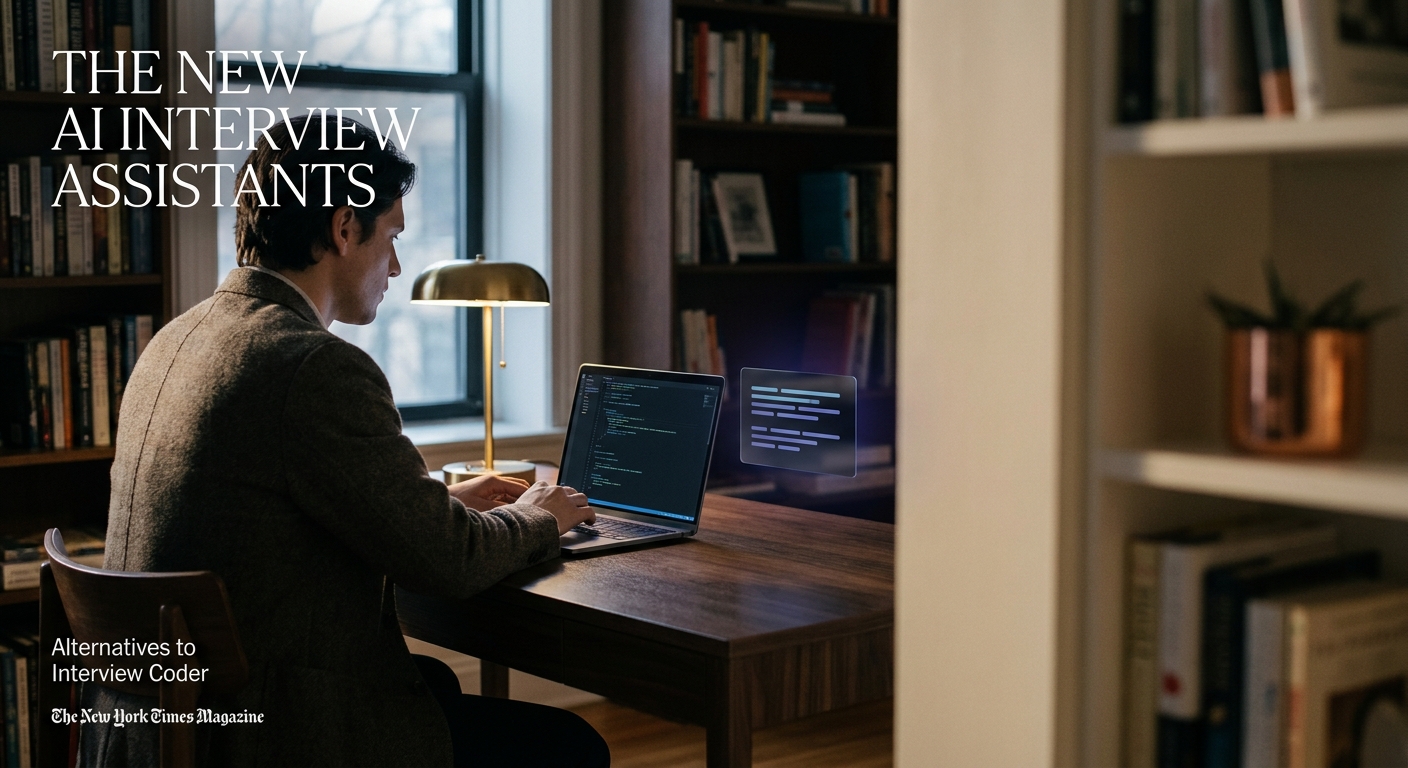
Interview Coder focuses on coding screenshots. Alternatives like SubcueAI take a different approach — a native desktop app with dual audio capture and a local floating overlay — useful for behavioral and system-design rounds, not just LeetCode-style problems.
Why people look for alternatives
Interview Coder is best known as a screenshot-based coding helper aimed at algorithmic problems. That design works for one slice of interviews, but candidates often need help with rounds where there's no code editor on screen:
- Behavioral interviews — STAR-style answers driven by what the interviewer is saying, not by a screenshot.
- System design — discussion-heavy rounds where audio context matters more than a visible problem statement.
- Recruiter and hiring-manager calls — pure conversation, no code.
For these, an assistant that listens to the actual conversation is usually more useful than one that reads the screen.
What to compare between tools
When evaluating any AI interview assistant against Interview Coder, look at a few concrete dimensions:
- Input type — screenshots of the coding problem, microphone-only transcription, or dual audio (you + the interviewer).
- Delivery — meeting bot that joins the call, browser extension, or a native desktop overlay that stays local to your machine.
- Interview coverage — coding only, or coding + behavioral + system design.
- Platform support — macOS, Windows, and which meeting apps (Zoom, Google Meet, Microsoft Teams) are supported.
- Honest limits — every tool is visible if you screen-share it, record your screen, or run it on a company-managed or proctored device.
How SubcueAI differs from Interview Coder
SubcueAI is a native desktop app built around a different idea than Interview Coder's screenshot workflow:
- Dual audio capture — it listens to both your microphone and the system audio from the meeting, so it has full conversation context on Zoom, Google Meet, and Microsoft Teams.
- Local floating overlay — suggestions appear in a window on your machine, not as a participant in the call. There is no meeting bot joining the meeting.
- Covers more interview types — useful for behavioral and system-design conversations, not only LeetCode-style problems. See interview types for breakdowns.
- Same honest caveats apply — if you share your screen, record your screen, or use a managed/proctored device, the overlay can be visible. More detail on /security.
If your interviews are mostly algorithmic coding screens with a visible problem, a screenshot tool may feel natural. If they're a mix of behavioral, design, and coding, an audio-driven assistant covers more ground.
How to choose between alternatives
A practical way to pick:
- List the interview formats you actually expect — coding screen, behavioral, system design, recruiter call.
- Match the tool's input model to that mix. Screenshots only help when there's a visible problem; audio helps everywhere there's a conversation.
- Check that it runs natively on your OS (macOS or Windows) instead of as a bot or extension you'd have to expose in the meeting.
- Try it before the real interview. SubcueAI's tutorial walks through first-time setup, and /pricing shows the free tier and plans.
More side-by-side reading: best AI interview assistant and the comparisons topic.
FAQ
Is Interview Coder only for coding interviews?
What makes SubcueAI a different kind of alternative?
Will any of these tools be visible to the interviewer?
Do these tools work on Zoom, Google Meet, and Microsoft Teams?
Where can I see more comparisons?
Related questions
- What are the best AI interview assistant alternatives to Interview Coder?
- What is LockedIn AI?
- What is Final Round AI?
- Is there an open-source AI interview assistant on GitHub?
- What is the best AI assistant for a Zoom interview, and how do you choose?
- What is the best AI interview assistant for experienced candidates?